New
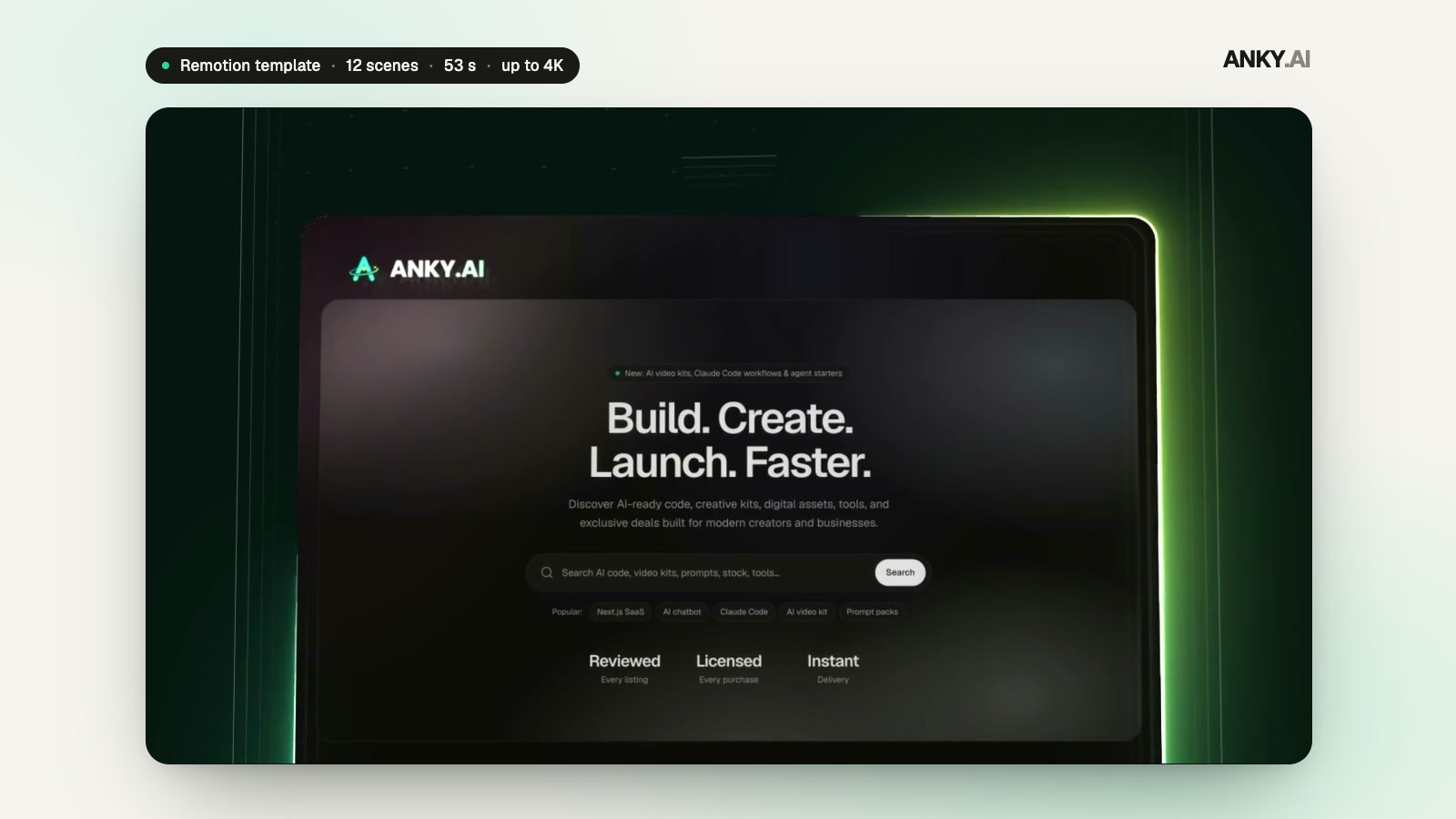
SaaS Launch Promo Video — Remotion Template
12 scenes · 53 s · Remotion · 16:9
AAANKY.AI0.0(0 reviews)
₹3490 sales
36-second, 8-scene app promo with a coded 3D phone, in 16:9 and 9:16 from one JSON file.
Commercial license · GST calculated at checkout
Claude Code
Model: Claude Opus 5.5
The coded phone and app, the eight scenes, the beat grid, the docs and the agent skills were written with Claude Code running Claude Opus 5.5, and the template is built to be edited the same way.
Open the folder in your coding agent, describe the video you want, and it edits the props, checks the stills in both formats and renders. Or edit a copy of props/default.json yourself and use Remotion Studio.
The previews above are the template's defaults (the "Folio" demo app): the landscape cut plays first, the vertical cut is in the gallery.
Render times measured on an Apple Silicon laptop. A software renderer (--gl swangle) is included for machines without a GPU.
16:9 · 9:16 · 36 seconds · works with Remotion 4, React 19, Node.js 22+, Claude Code
Pick a scene to watch its clip, see what happens and what you can change.
"Money," rises letter by letter on the first piano note and "made calm." word by word; the accent word lands on the bar-2 downbeat in the brand colour with a hand-drawn underline. The camera creeps closer while it reads; on the swell the words lift away and the final period swells into a soft glow — exactly where the phone will rise.
Change texts.s1.line1, line2 and accentWord (the accent word must be a word of line2); the glow, the underline and every highlight use colors.accent.
Music guide
Built-in AI-generated soundtrack at 120 BPM, 36 s; every scene cut is on a bar line, so disabling scenes keeps the music in step (music.onSceneToggle). Swap in your own track with music.src and tune music.volumeDb and music.startAt; 17 sound effects can be switched per cue in sfx.cues.
A complete promo video for a mobile app, built as a Remotion project and rendered in two formats from the same settings: 16:9 for YouTube, websites and presentations, and 9:16 for Reels, TikTok, Shorts and Stories. Eight scenes run 36 seconds: a kinetic hook, the phone rising into frame and waking on the home screen, a spending chart that grows on the beat, a tap-to-send transfer with a haptic confirmation, three savings goals with photos, a dark security moment with a biometric scan, a social-proof card with stats and a review, and a logo finale with store buttons. The phone, the app screens, the icon, the charts and the cards are drawn in code, so they stay crisp at 4K and follow your colours.
Everything you change lives in one JSON props file: brand name, tagline, logo mark and app icon; four colours with one accent; every headline and label, with length limits and an automatic fit check in both formats; the demo app's content (locale and currency, balance, spending chart, transactions, contacts and their photos, the transfer, three goals, security features); your own screenshots or screen recordings in place of the coded screens; neutral store buttons or the official badges if you supply the artwork; the built-in soundtrack or your own track; sound effects per cue; and a switch for every scene (the timeline closes the gap on a bar line and cuts the music with the picture). Remotion Studio gives you a live preview; no motion-design software is needed.
The soundtrack is AI-generated at 120 BPM and every cut sits on a bar line, every accent on a beat, so the video stays musical when you remove scenes. The project ships with rules and skills for AI coding agents (Claude Code, Codex, Gemini CLI, Cursor and GitHub Copilot): describe the video you want and the agent edits the props, validates the texts, shows you stills and renders. Scripts cover validation, per-scene stills, single-scene and frame-range renders, a software renderer for machines without a GPU, before/after still comparison and an audio importer.
12 scenes · 53 s · Remotion · 16:9