NewEasy Editor
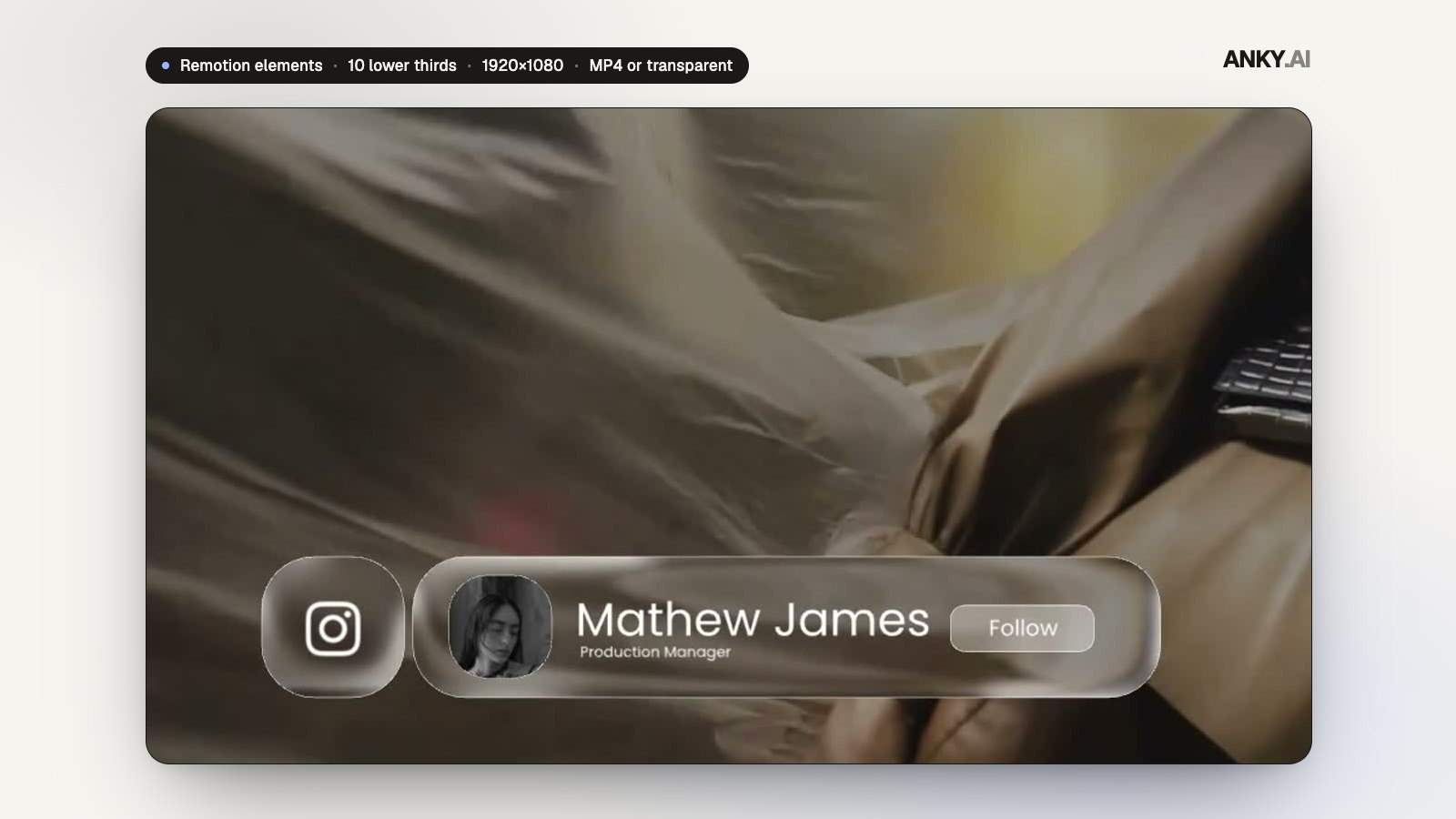
Liquid Glass Lower Thirds — 10 Remotion Titles (MP4 or Transparent)
10 designs · Remotion · 16:9
AAANKY.AI0.0(0 reviews)
₹3490 sales
Text-to-video and image-to-video SaaS with credits, Stripe and a gallery. Full source.
Commercial license · GST calculated at checkout
Claude Code
Model: Claude Opus 5.5
Built and documented with Claude Code on Claude Opus 5.5.
AGENTS.md and docs/ai/ let agents change it without scanning the repo.
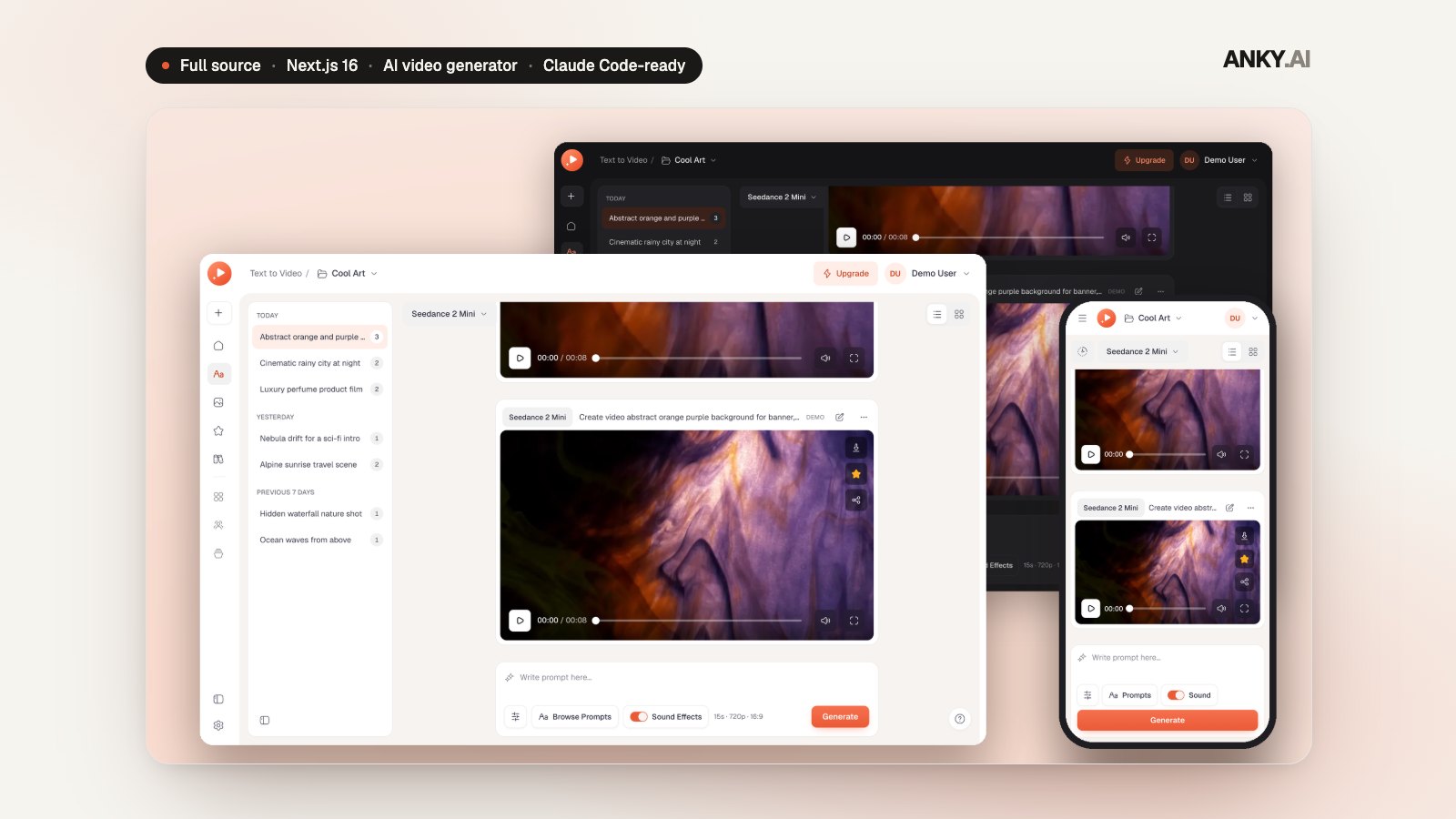
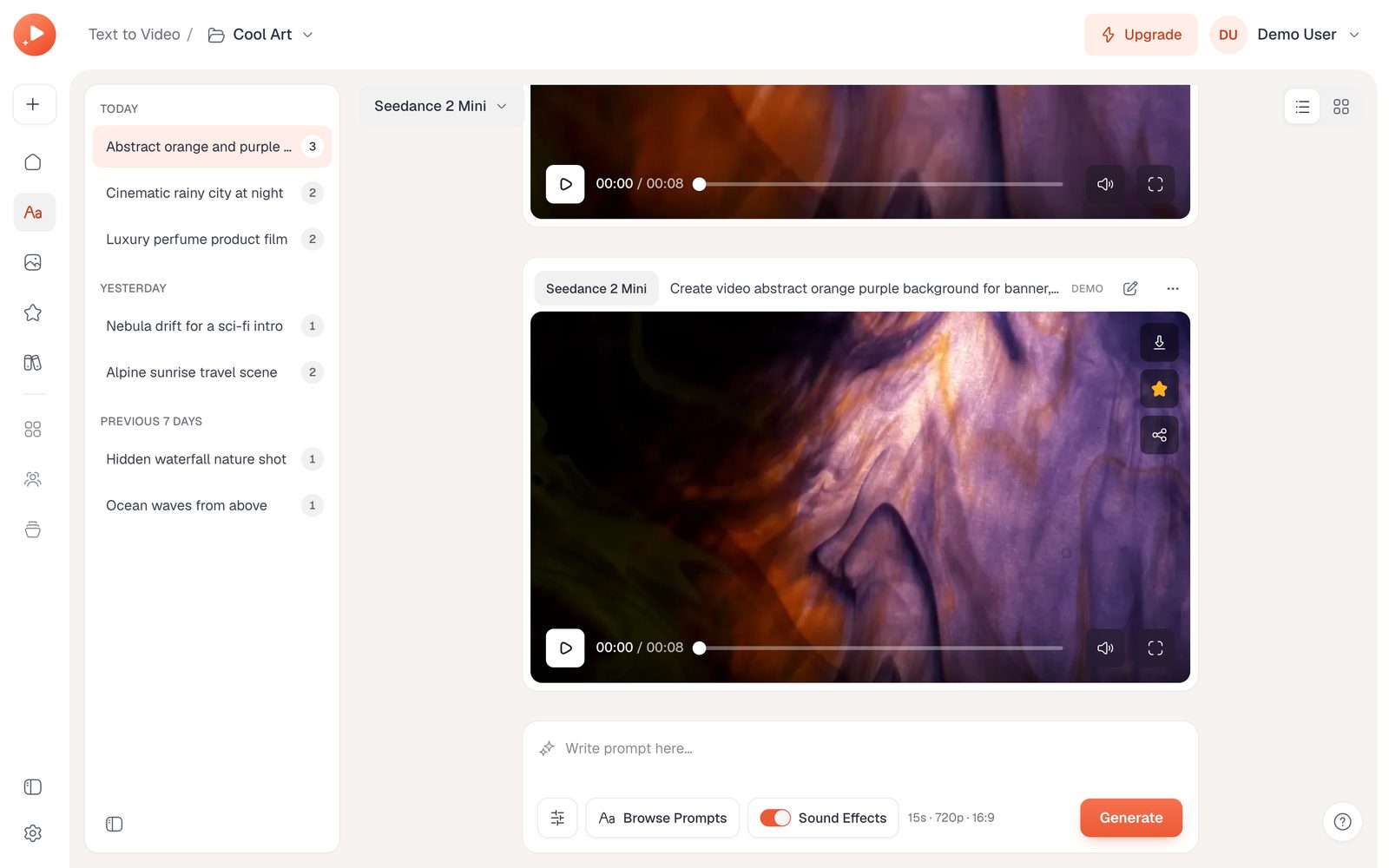
Veo AI is a complete AI video-generation app: text-to-video and image-to-video in one creative workspace, with 1–15 second clips at 480p or 720p, seven aspect ratios and optional sound. Add a first or last frame and up to 9 reference images, 3 reference videos and 3 audio clips. Every video is an async task with honest staged progress, then plays in a custom player and lands in projects, conversations, a searchable gallery and favorites.
Around it sits a production platform: credits per second of video, reserved atomically and refunded once on failure or cancel; plans and prices set in the admin and synced to Stripe, a customer portal and a trial; Better Auth with passkeys, Google, magic links and email codes; per-user rate limits and owner-checked downloads; and an admin with users, plans and a blog. The interface is warm and media-first, in light, dark and system themes, from 390px phones to large desktops.
Out of the box it runs in demo mode: the built-in demo provider plays bundled sample clips through the real task lifecycle, with no API calls or cost. Real generation runs on the Anky AI video API: the provider ships as a typed stub with the full contract for Seedance 2 Mini, and connecting it means implementing its two methods (docs/video-generation.md has the parameters and a checklist). AGENTS.md, CLAUDE.md, Cursor and Windsurf rules and a codebase map let Claude Code, Codex or Cursor do that and rebrand it with you.
What you are buying: The full Next.js 16 source of Veo AI: the video workspace, the generation engine with its demo provider and Anky AI contract, credits and billing, projects and the gallery, the admin, the database schema and demo seed, and the docs. Deploy it on Vercel or any Node host with PostgreSQL.
Third-party costs: Demo generation plays bundled sample clips and costs nothing. Real videos run on the Anky AI video API, which bills your account per video once you implement the provider's two methods. Stripe, an email provider and S3 or R2 storage are optional and bill you directly.
Veo AI · AI video generator
Text-to-video and image-to-video with frames and references, a custom player, projects, a gallery, credits and Stripe, ready to rebrand and connect to your video API.
1–15 s
Clip length
7
Aspect ratios
15
Reference files
26
Library prompts
45
Unit tests
Everything included
Prompts up to 20,000 characters, 1–15 second clips at 480p or 720p, seven aspect ratios including adaptive, and an optional sound track.
First and last frames, up to 9 reference images, 3 videos and 3 audio clips, checked in the browser and again on the server.
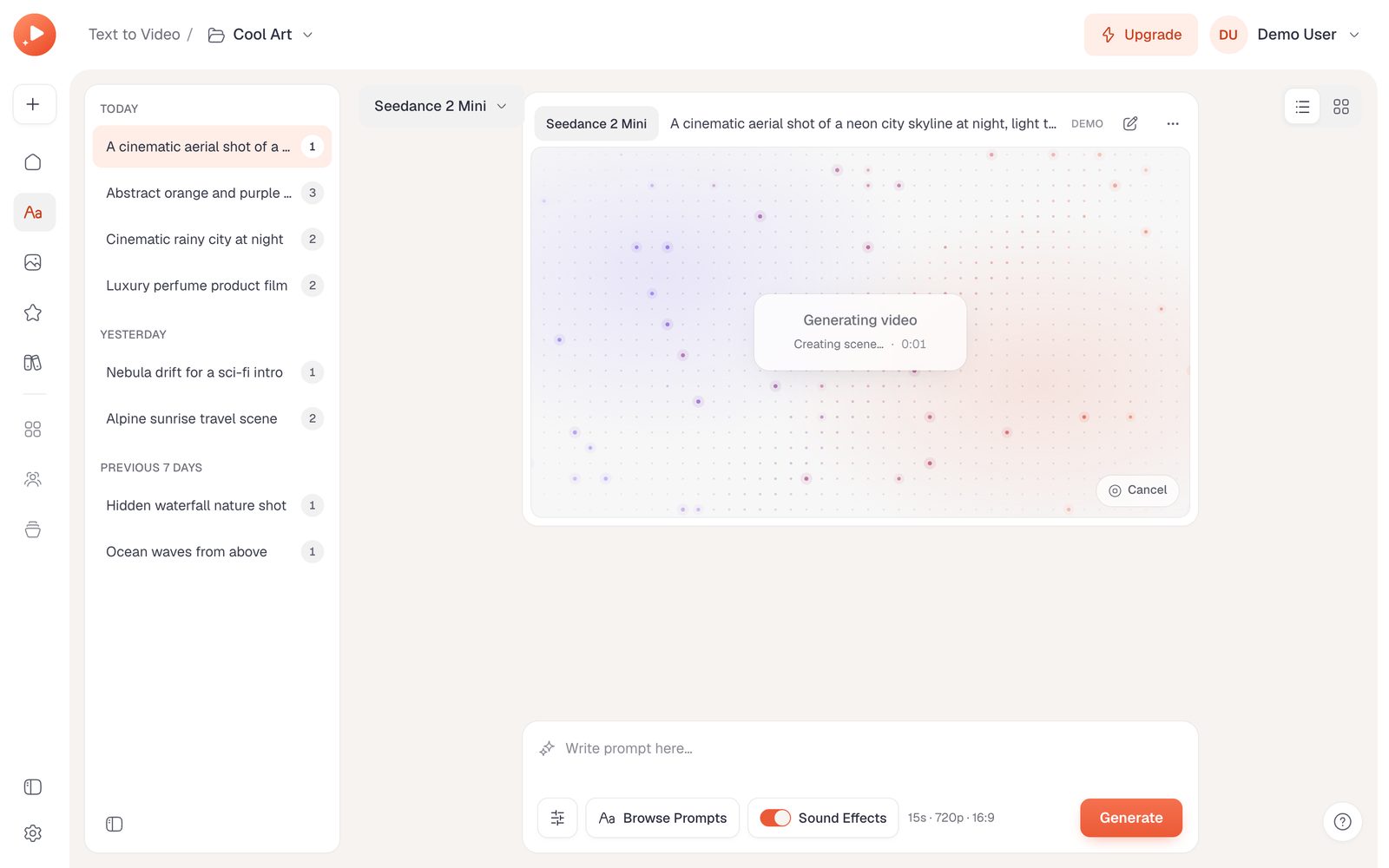
Every video is a real async task: queued, processing, ready, with staged copy and elapsed time. Cancel it, or retry with the same settings.
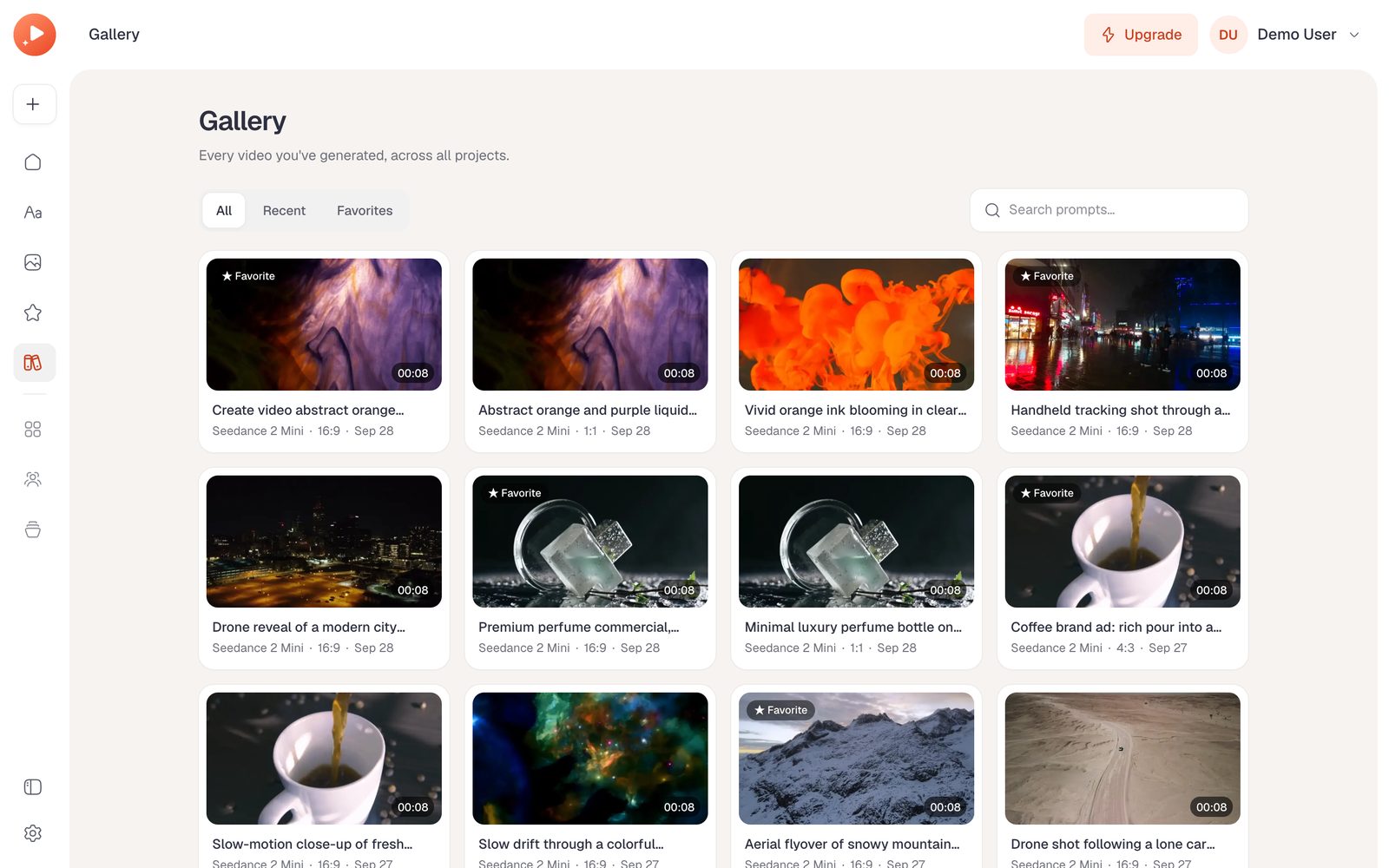
Conversations grouped by day inside projects, a gallery with live search and filters, favorites, and ⌘K search over everything.
Credits per second of video, reserved atomically and refunded once when a video fails or is cancelled. Demo videos are free.
Plans, prices and credits edited in the admin and synced to Stripe, with a portal and trial; passkeys, Google, magic links and codes.
How it works
Type a prompt or choose one of 26 from the library, then set the duration, resolution, ratio and sound.
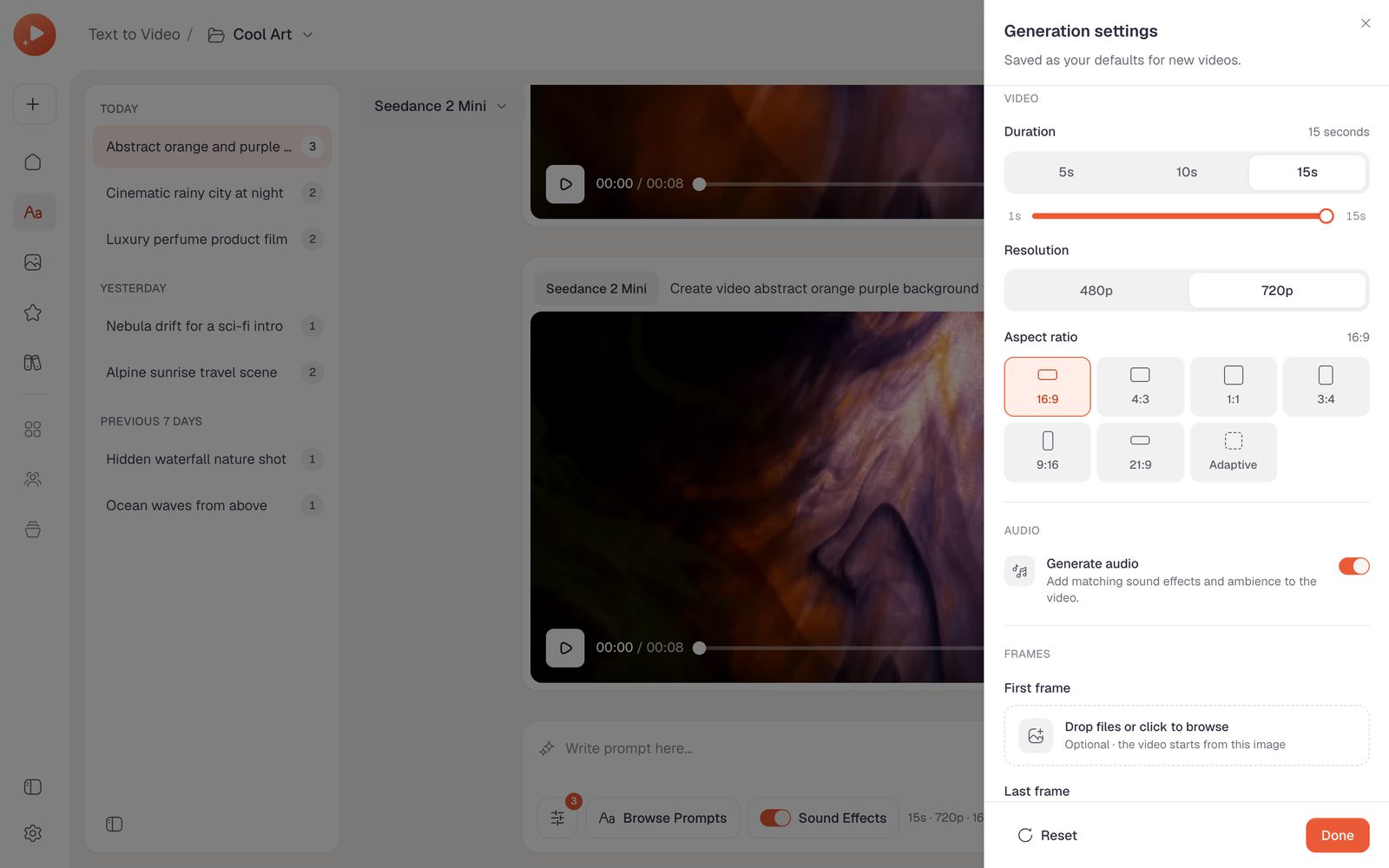
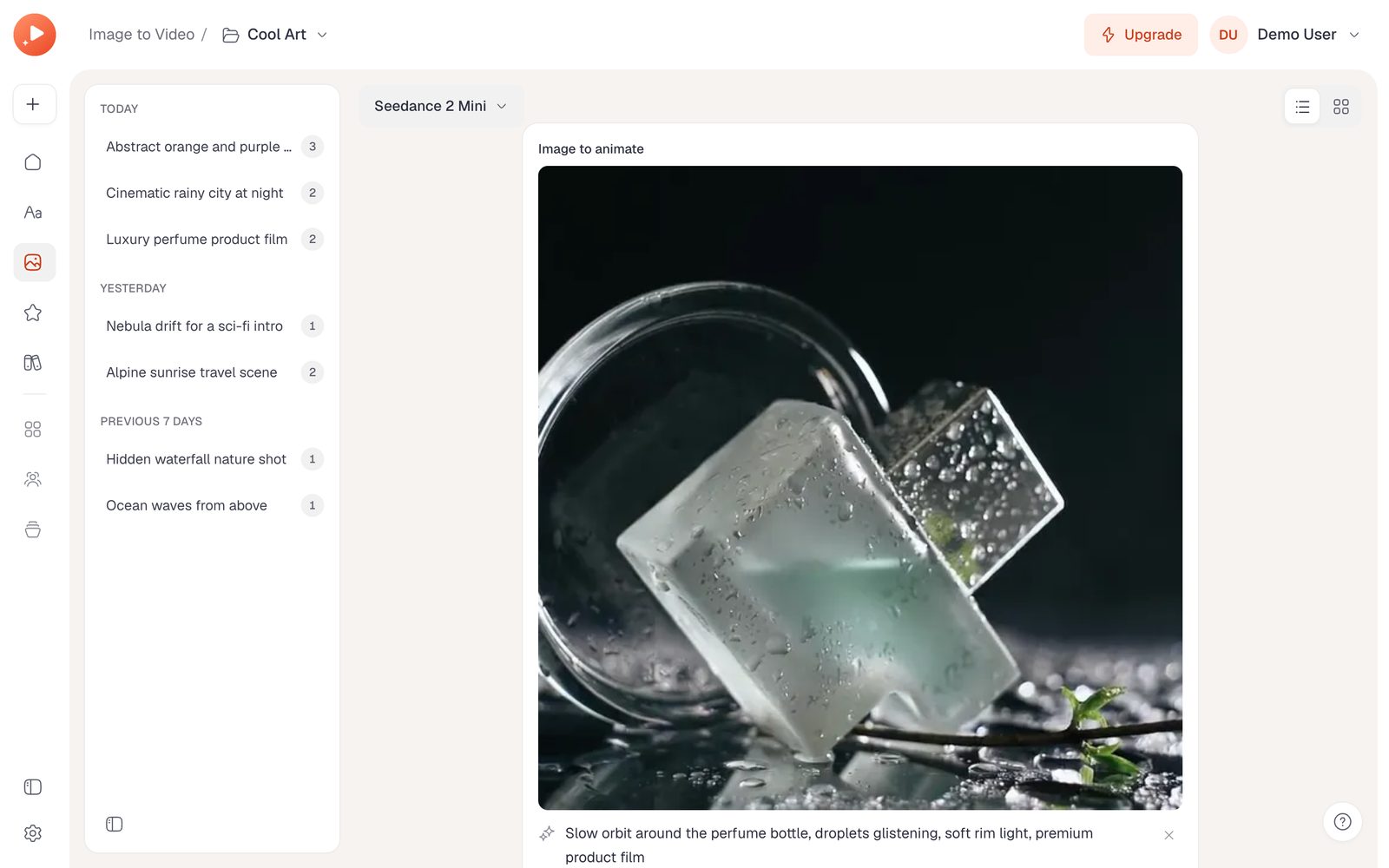
Animate a first frame, pin a last frame, or guide the style with reference images, videos and audio.
The clip appears in the conversation with staged progress, then plays in the custom player.
Favorite, download or share it, edit and regenerate, and find every video in the gallery.
Who it's for
Founders
Launch a paid video generator with sign-in, credits, plans and admin already built.
Agencies and studios
White-label a branded video tool for clients from one config file and one CSS file.
Marketing teams
Product teasers, ads and 9:16 stories, organized by campaign project.
E-commerce brands
Product films from a packshot with Image to Video, styled by references.
Creators and filmmakers
Storyboard scenes and keep every version in one conversation.
Developers
A clean reference for async AI tasks, media validation and a custom video player.
Make it yours
The repo ships with AGENTS.md, CLAUDE.md and a codebase map. Open it in Claude Code, Codex or Cursor and ask in plain words:
“Connect the Anky AI provider with my API key and upload frames to my R2 bucket.”
“Rename it Reelcraft, switch the accent to violet and use my logo.”
“Charge 3 credits per second at 720p and 2 at 480p.”
“Add a Templates page that starts a video from a saved prompt and settings.”
Everything you need to evaluate the stack at a glance.
Ships with AGENTS.md, CLAUDE.md, GEMINI.md and .cursor/rules.
$ npm install$ cp .env.example .env$ docker compose up -d$ npm run db:migrate$ npm run db:seed$ npm run dev
Open the folder in Claude Code, Codex or Cursor and ask it to rebrand, add a feature or deploy — the instruction files explain the architecture and conventions.
10 designs · Remotion · 16:9
Next.js 16 · TS · Claude Code-ready
Next.js 16 · TS · Claude Code-ready
Next.js 16 · TS · Claude Code-ready