NewEasy Editor
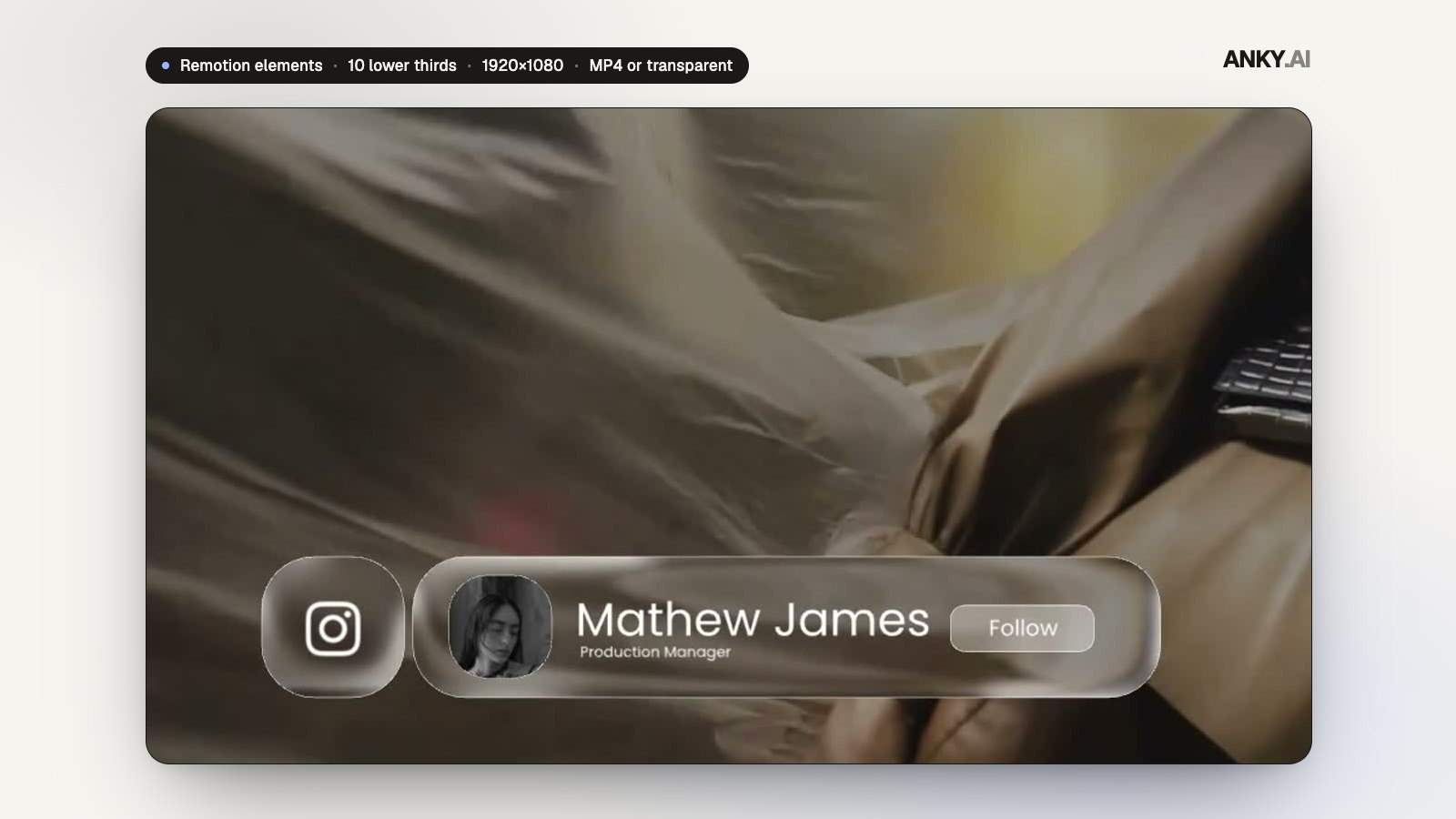
Liquid Glass Lower Thirds — 10 Remotion Titles (MP4 or Transparent)
10 designs · Remotion · 16:9
AAANKY.AI0.0(0 reviews)
₹3490 sales
22-second, 8-scene AI assistant promo with glossy glowing UI, in 16:9 and 9:16.
Commercial license · GST calculated at checkout
Agent-friendly Remotion template
Hand bigger changes to a coding agent, or make quick swaps yourself in the Anky AI Easy Editor. Both edit the same project.
For advanced changes
 Antigravity
Or any agent that reads AGENTS.md. Describe the change in plain words.
“Add a scene with three student testimonials after the plans.”
For fast, no-code edits
Double-click Start Editor and it opens in your browser.
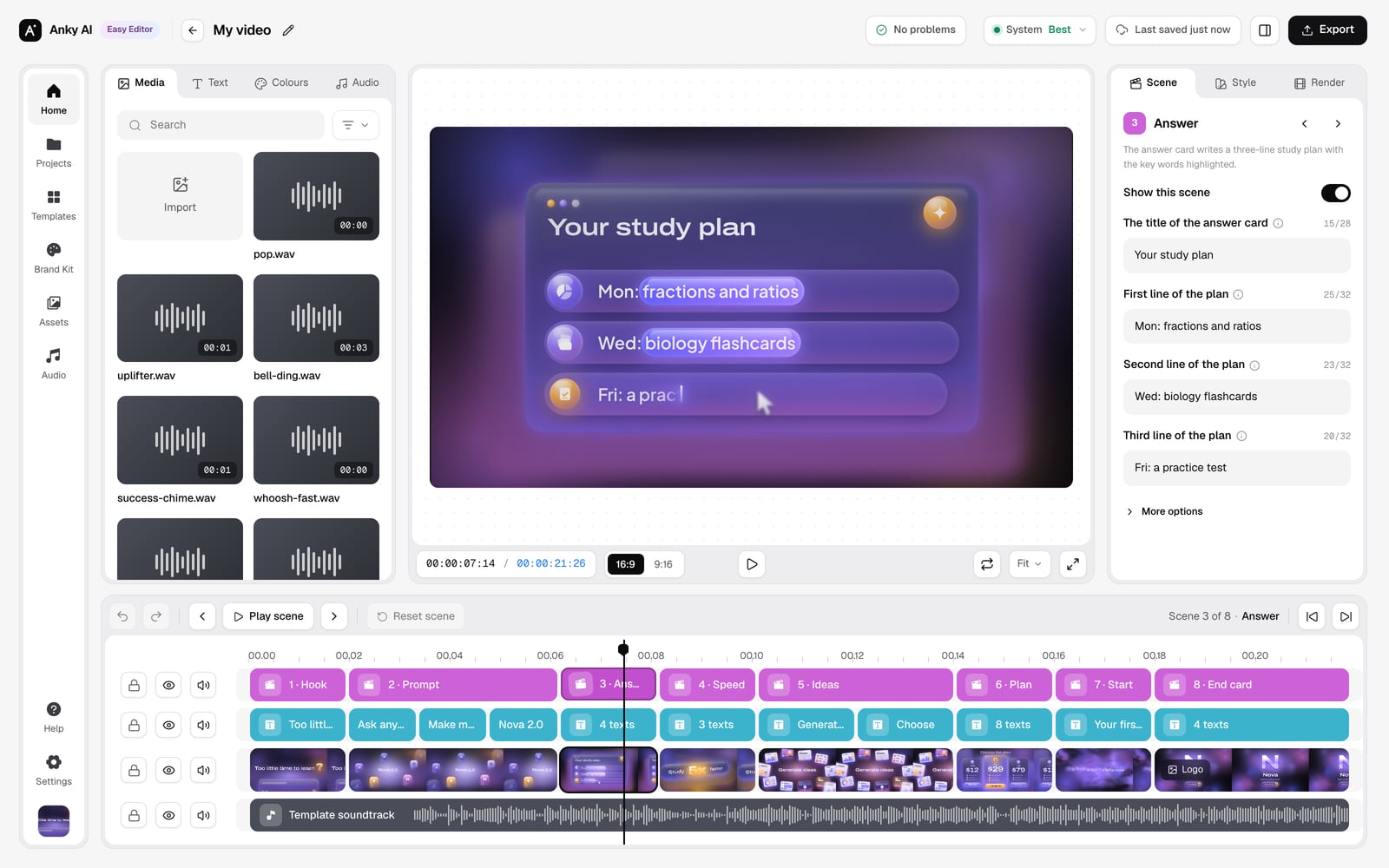
AGENTS.md, CLAUDE.md and skills ship inside, so agents know the project from the first prompt. The editor runs on your computer; nothing is uploaded.
16:9 · 9:16 · 22 seconds · works with Remotion 4, React 19, Node.js 22+, Claude Code
Pick a scene to watch its clip, see what happens and what you can change.
"Too little time to learn" fades up in the dark while a lilac glow rises behind it.
Change texts.s1.line.
Music guide
Built-in soundtrack at 123 BPM; every scene cut is on a bar line, so switching scenes off keeps the music in step. Replace it in the Easy Editor (Media > Music) or with music.src; the 30 sound effects can be switched per cue in sfx.cues.
Claude Code
Model: Claude Opus 5.5
The eight scenes, the beat grid, the docs and the agent skills were written with Claude Code running Claude Opus 5.5, and the template is built to be edited the same way.
Anky AI Easy Editor1.0
Included · no code, no video software
Runs in your browser on your own computer: nothing is uploaded, no account. Needs Node.js 22.18+.
Previews show the default demo brand; the vertical cut is in the gallery.
Timed on an Apple Silicon laptop. Without a GPU, add --gl swangle (slower).
AI assistant promo video template for Remotion: a 22-second, 8-scene promo with a glowing prompt box that types and sends, orbiting icons, an answer card that writes itself, a 5x multiplier, floating UI cards on the drop and plan cards, rendered in 16:9 and 9:16.
Light flashes and quick dips land on the music's bar lines. Change the texts, prices, colours and logo in the Anky AI Easy Editor, or let an AI coding agent do it. Made for AI learning apps, study tools, chatbots and course launches.
10 designs · Remotion · 16:9
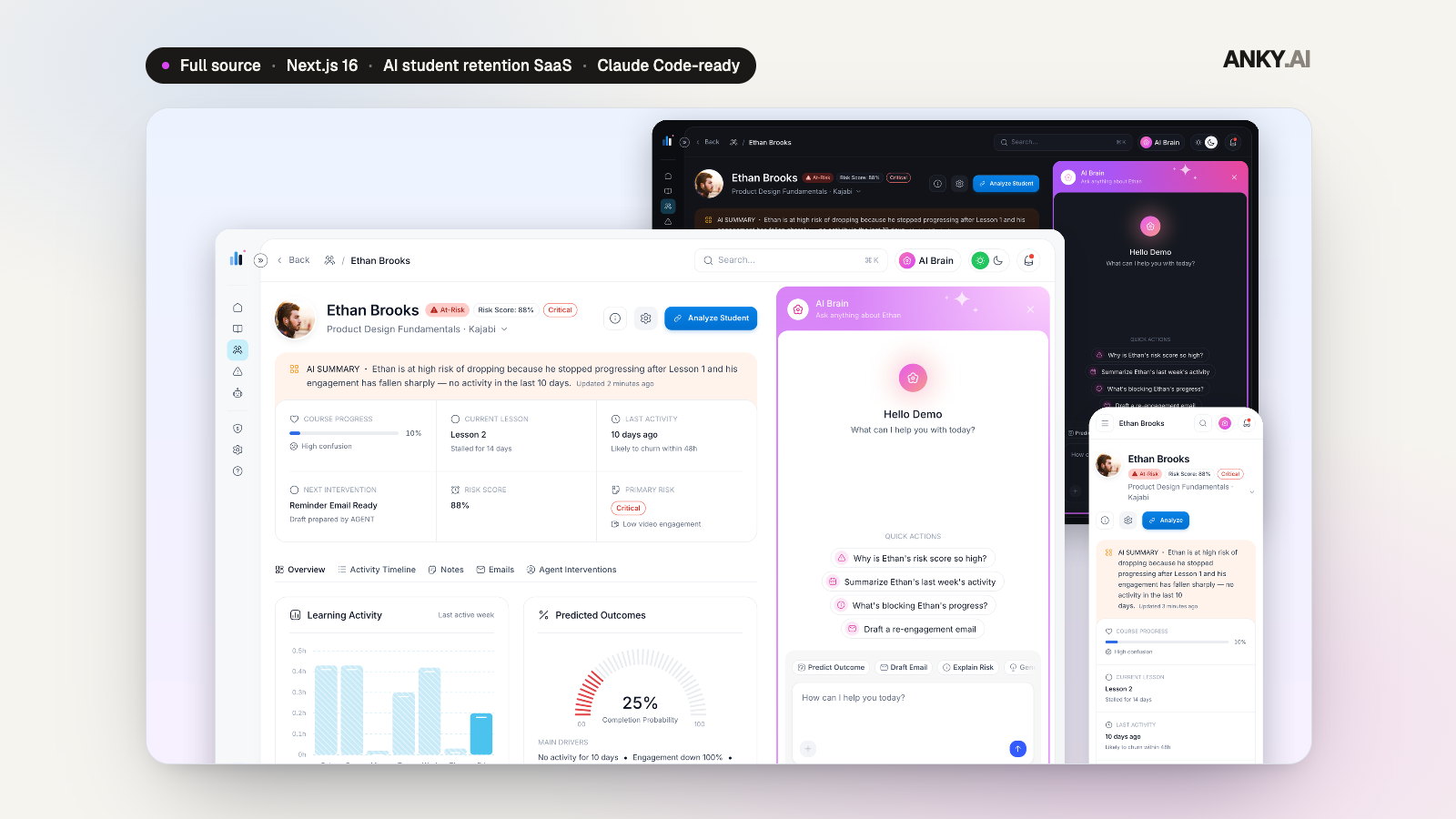
Next.js 16 · TS · Claude Code-ready
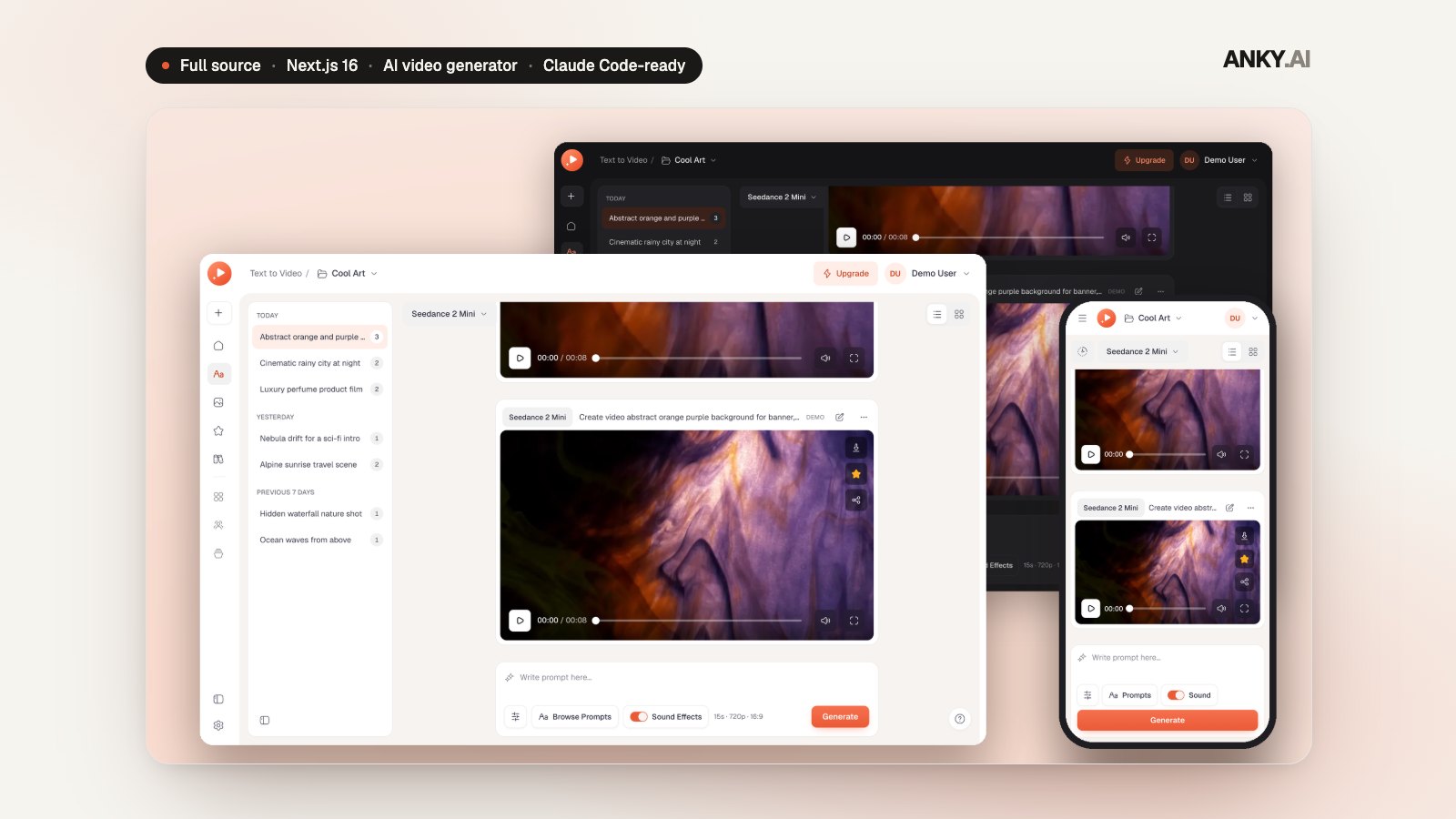
Next.js 16 · TS · Claude Code-ready
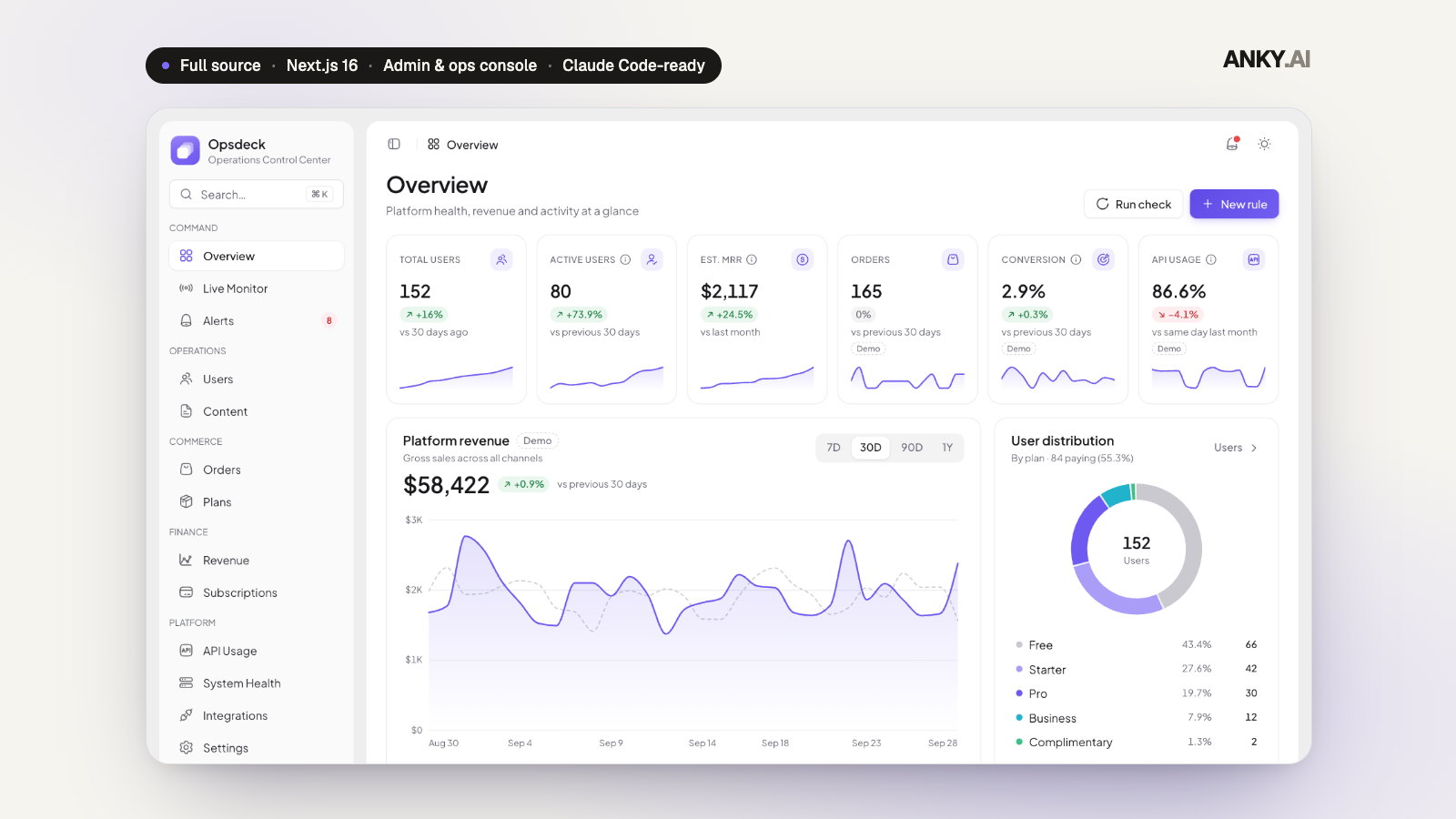
Next.js 16 · TS · Claude Code-ready